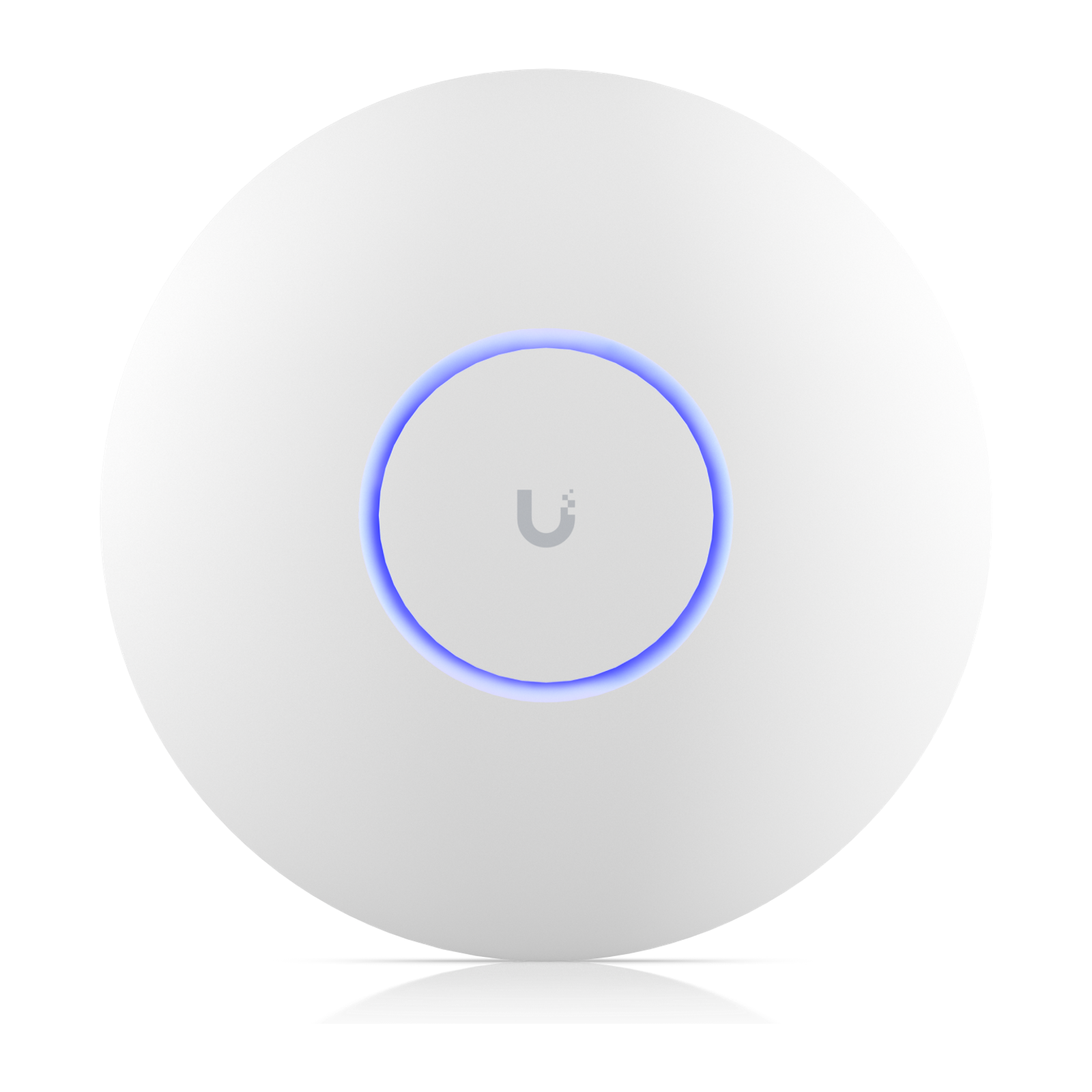
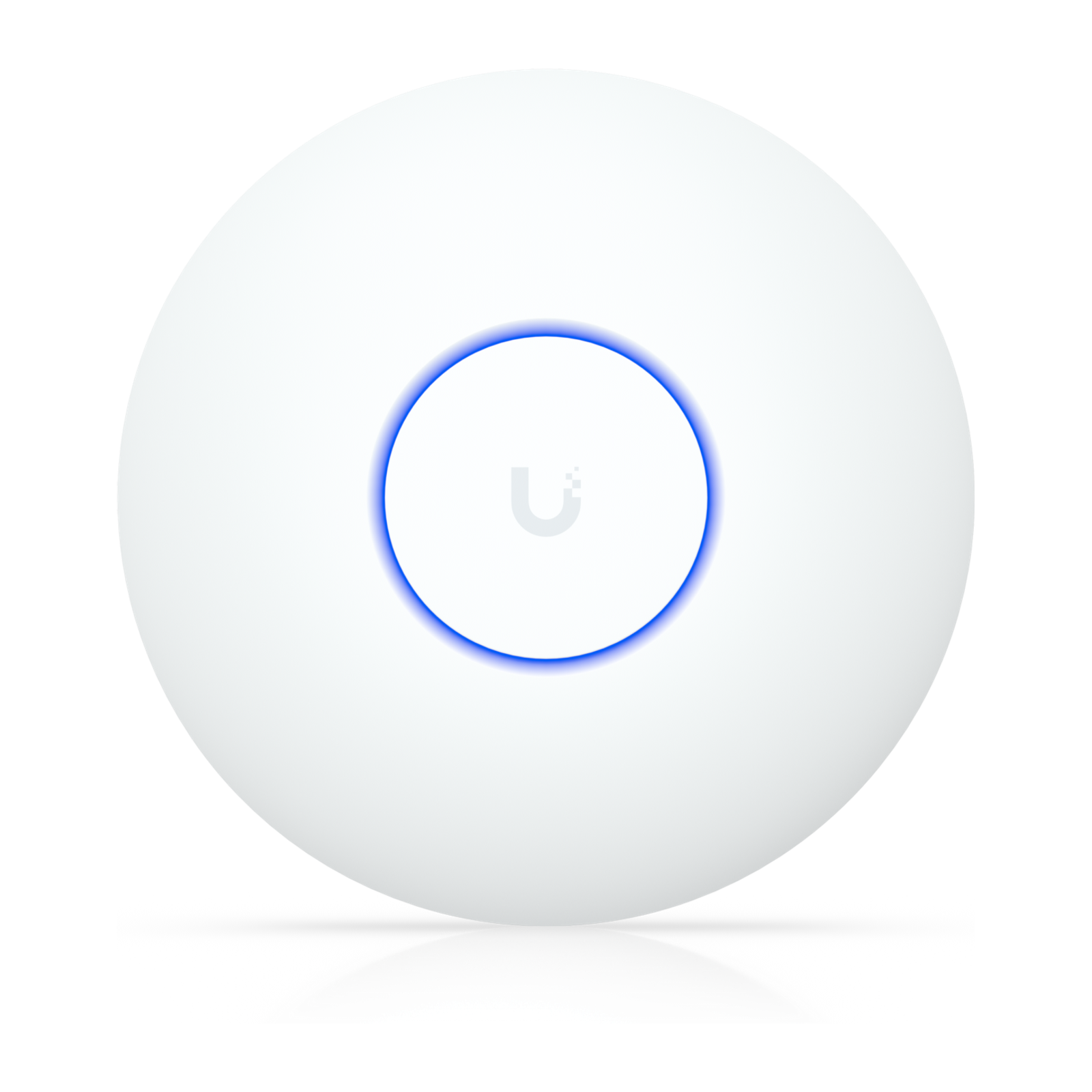
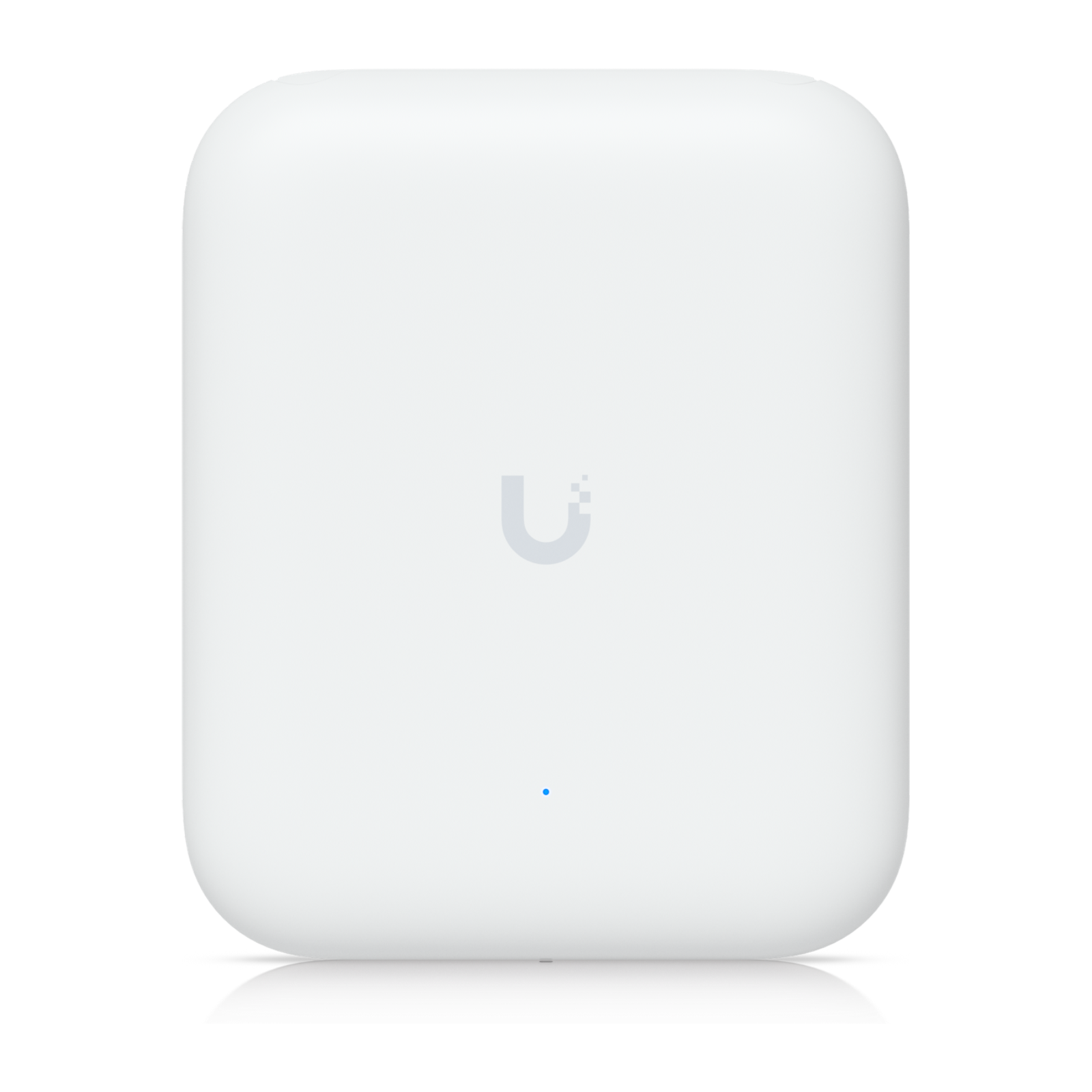
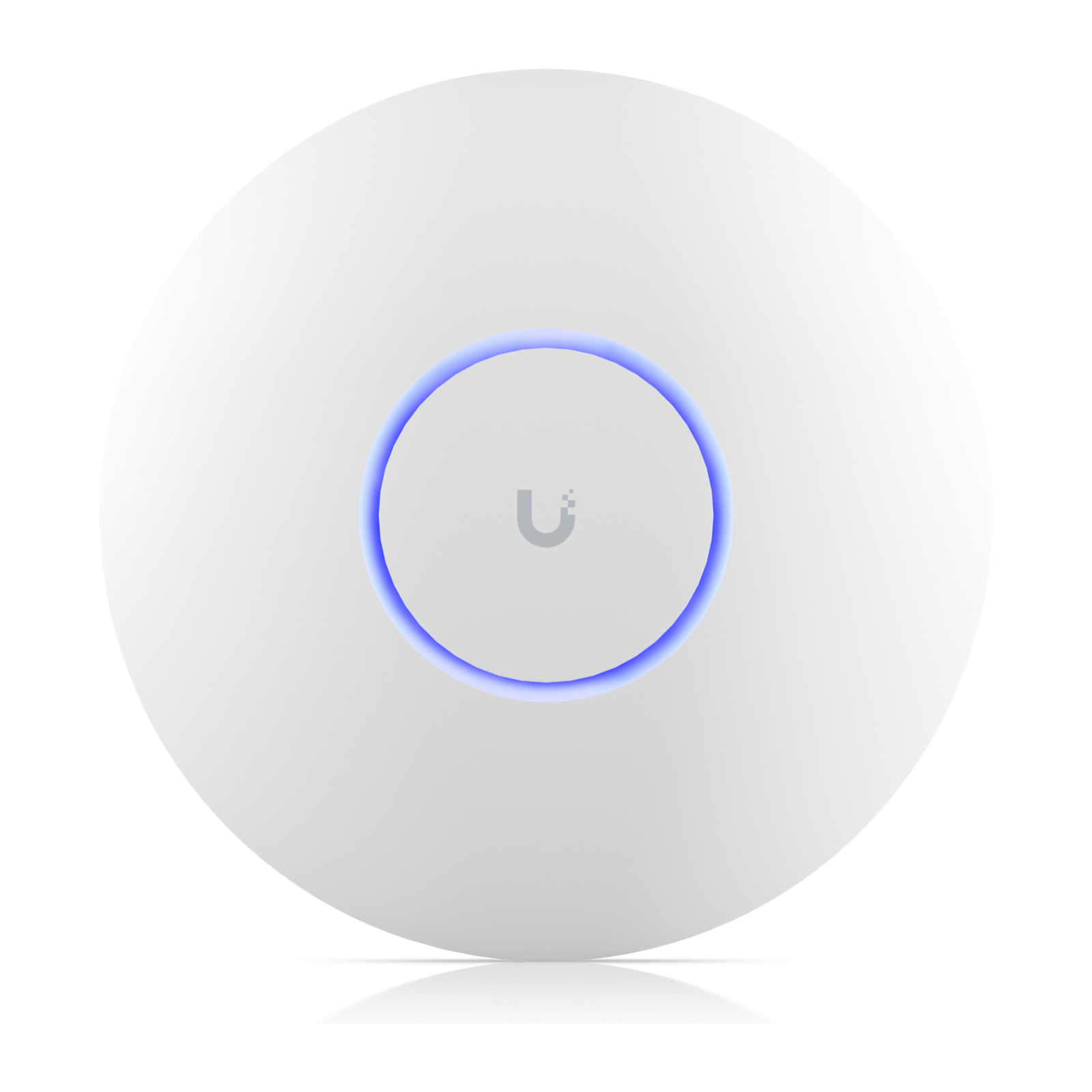
An access point's Wi-Fi generation, uplink speed and PoE requirement decide how fast it can be, which switch port it needs and how much power it draws. Compare those first, then coverage and client ratings.
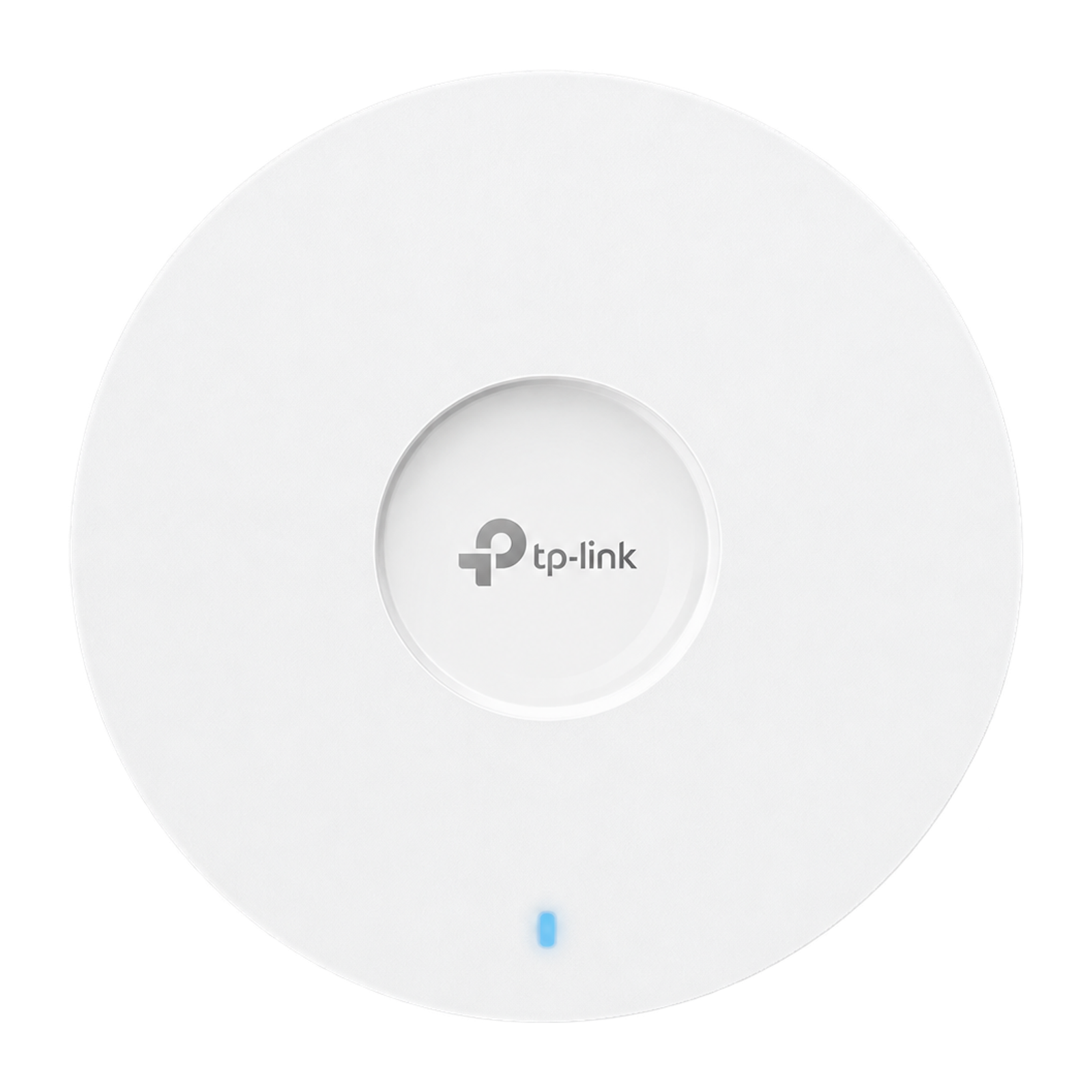
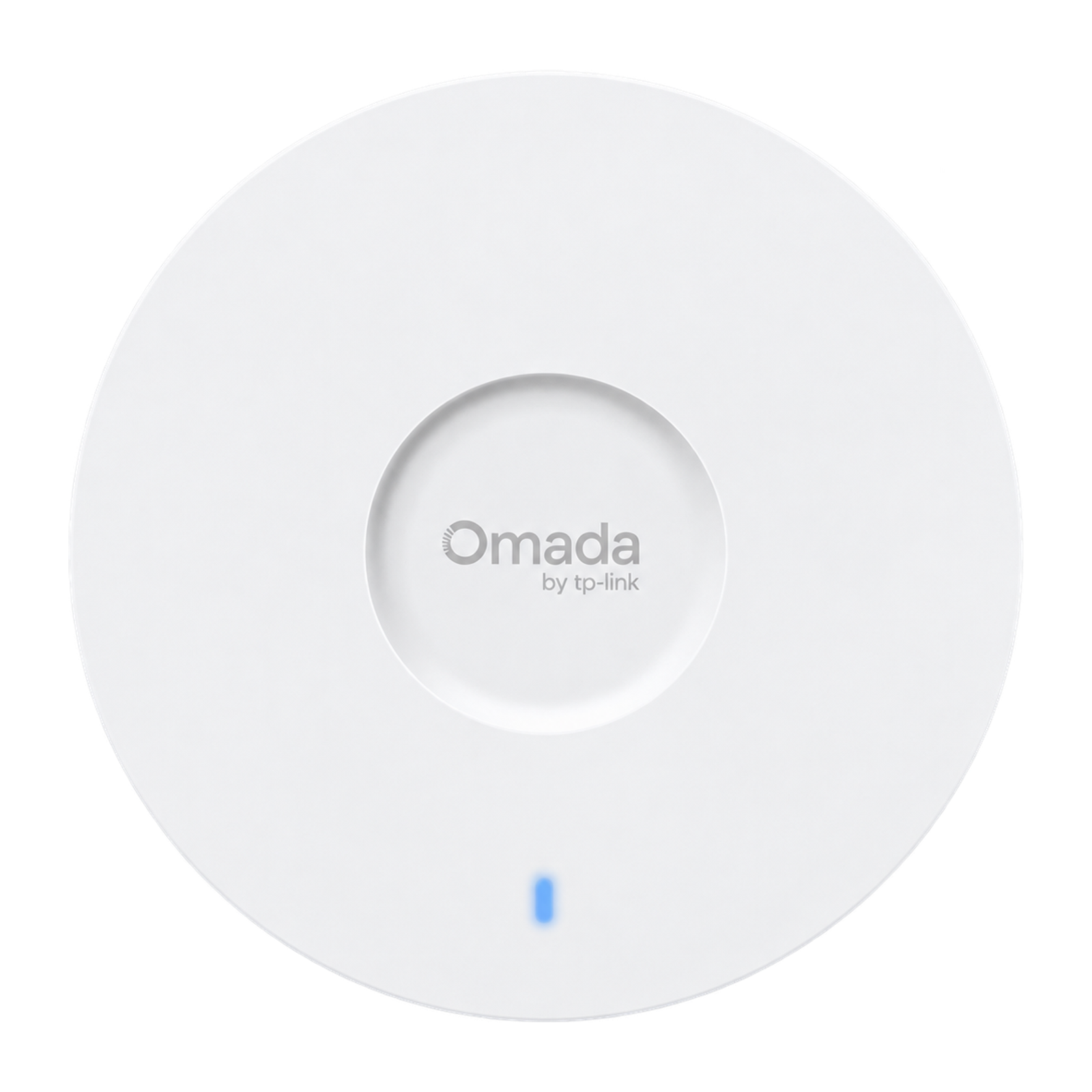
AX1800 dual-band Wi-Fi 6 ceiling access point (574 Mbps on 2.4 GHz plus 1,201 Mbps on 5 GHz) with a Gigabit Ethernet port and Omada Mesh support. It can run on 802.3at PoE+, passive PoE or the included DC adapter.
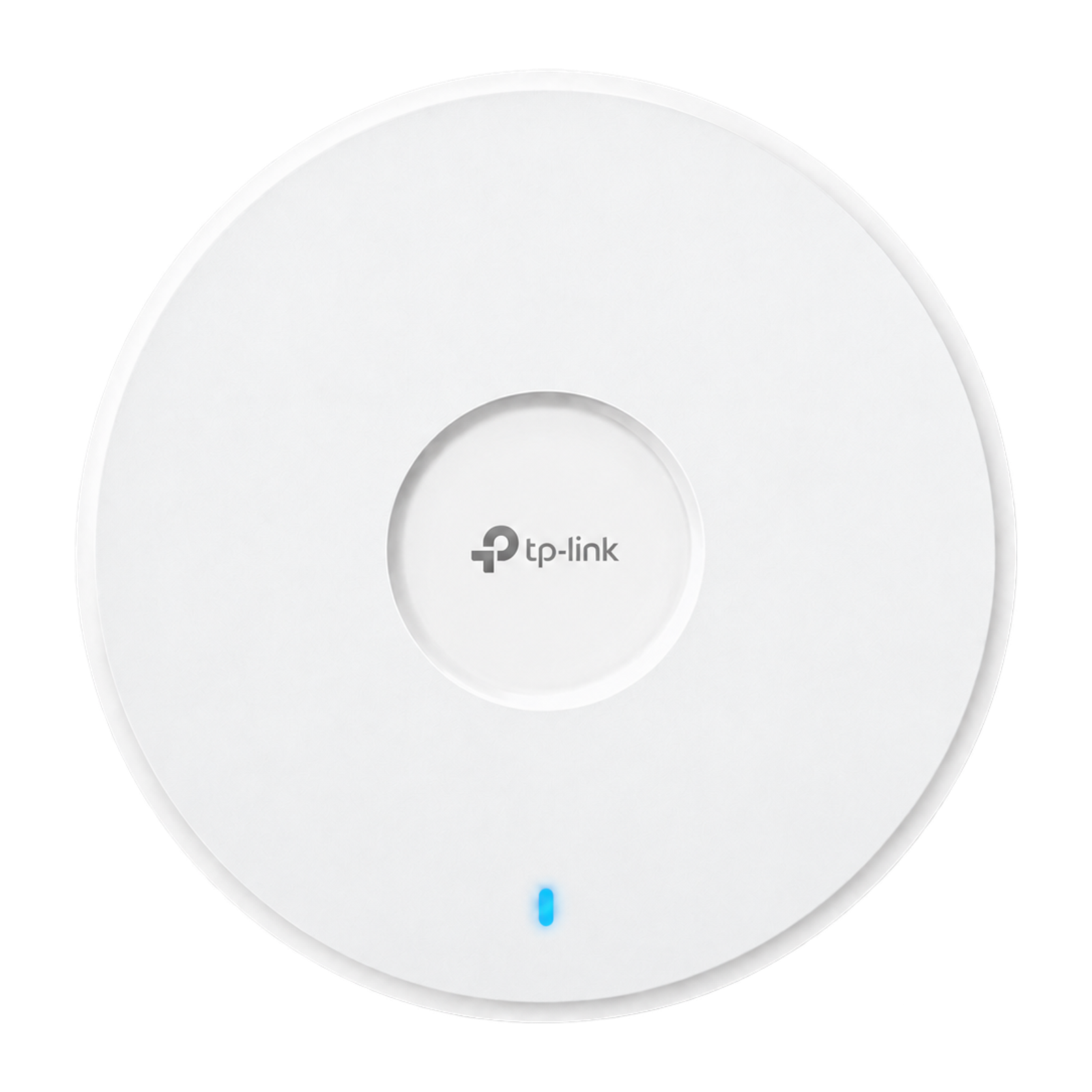
AX3000 dual-band Wi-Fi 6 ceiling access point (2,402 Mbps on 5 GHz plus 574 Mbps on 2.4 GHz) with one Gigabit port, 802.3at PoE or DC power and Omada Mesh support. TP-Link rates it for 140 m² and 250+ concurrent clients.
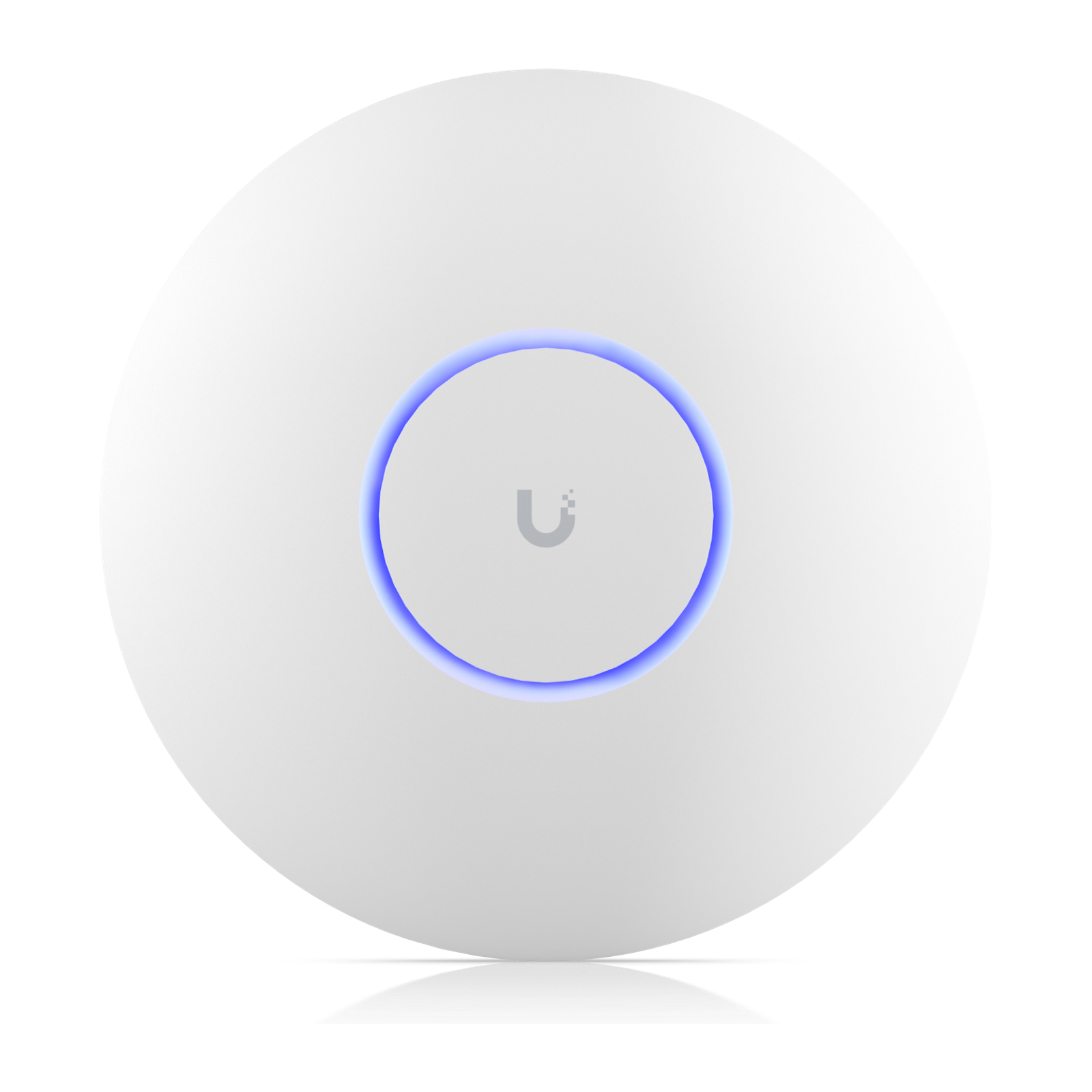
Tri-band UniFi Wi-Fi 6E access point with 4×4 radios on 6 GHz and 5 GHz plus 2×2 on 2.4 GHz, a 2.5 GbE uplink and PoE+ power. Ubiquiti rates it for 140 m² of coverage and 600+ clients.
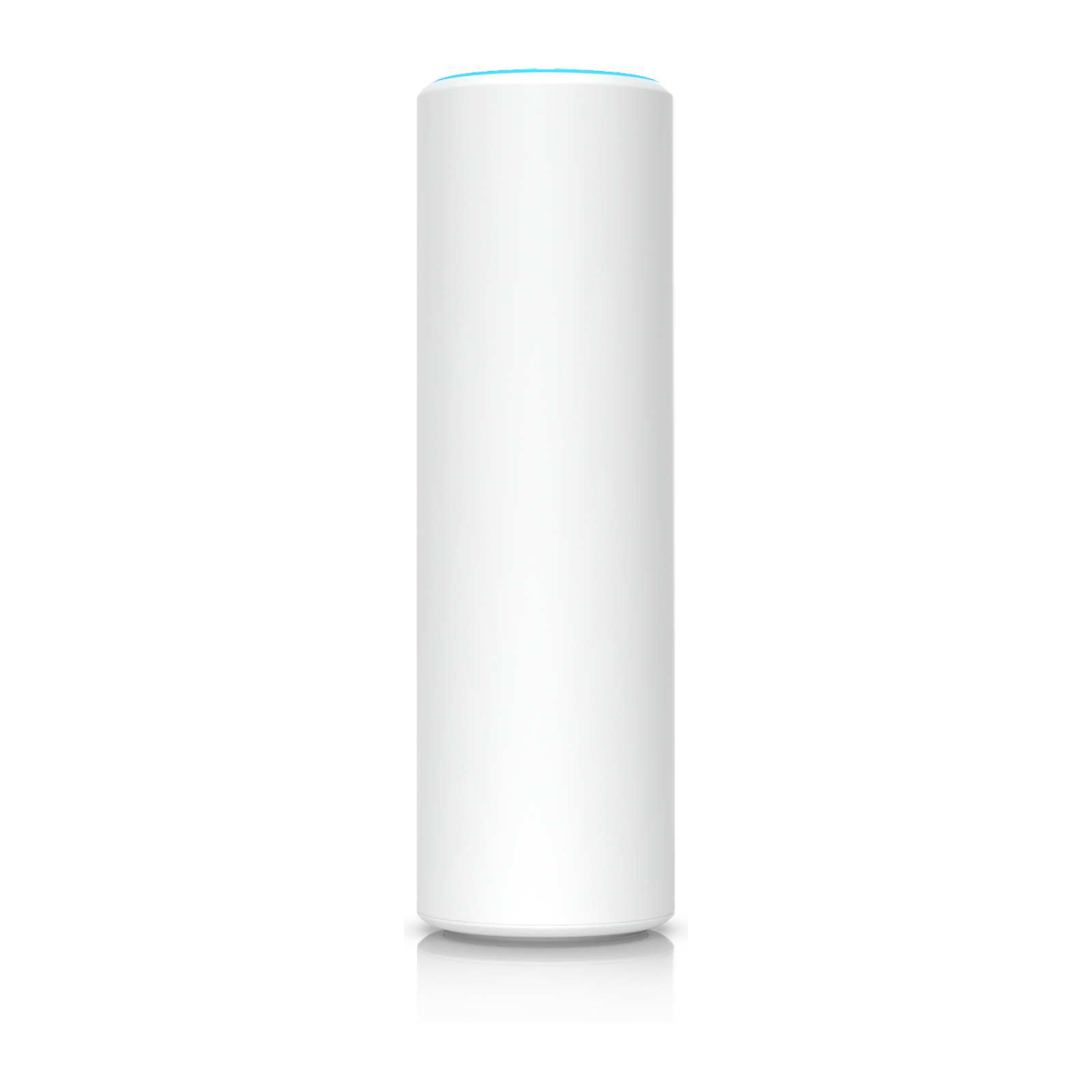
Slim, IPX5 weather-resistant UniFi Wi-Fi 6 access point for wall or pole mounting, with wireless meshing, a Gigabit uplink and standard 802.3af PoE power. Ubiquiti rates it for 140 m² and 250+ clients.
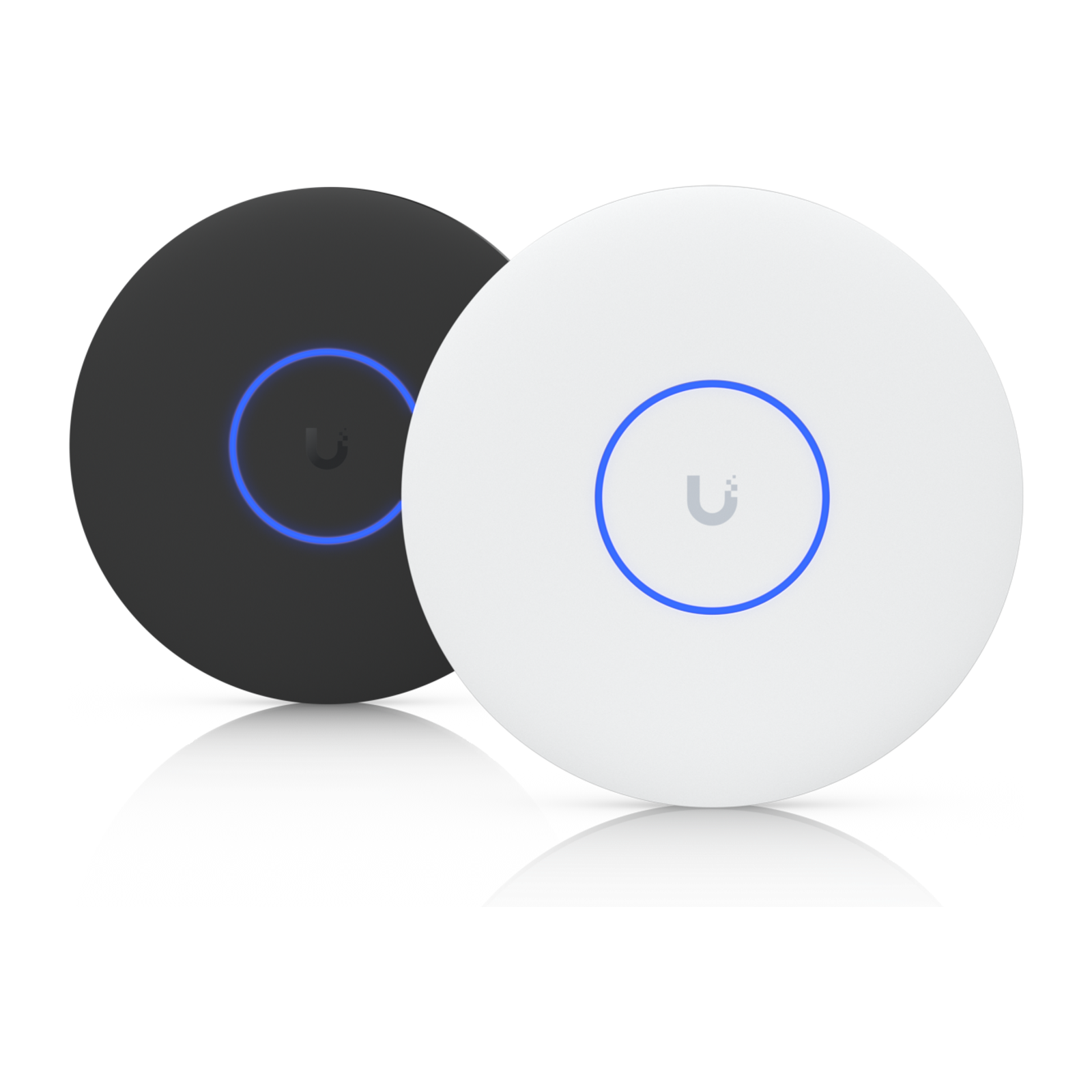
Ceiling- or wall-mounted UniFi Wi-Fi 6 access point with 4×4 MU-MIMO on 5 GHz and 2×2 on 2.4 GHz, a Gigabit uplink and standard 802.3af PoE power. Ubiquiti rates it for 140 m² of coverage and 250+ clients.
Compact dual-band UniFi Wi-Fi 7 access point (2×2 on 5 GHz and 2.4 GHz, no 6 GHz radio) with a 2.5 GbE uplink that runs on standard 802.3af PoE. Ubiquiti rates it for 115 m² of coverage and 200+ clients.
IPX6 weatherproof UniFi Wi-Fi 7 access point for wall or pole mounting, with directional internal and external omni antennas, a 2.5 GbE uplink and PoE+ power. Ubiquiti rates it for up to 465 m² and 250+ clients.
Tri-band UniFi Wi-Fi 7 access point with 4×4 MU-MIMO on 5 GHz, 2×2 on 6 GHz and 2.4 GHz, 320 MHz channels on 6 GHz, a 2.5 GbE uplink and PoE+ power. Ubiquiti rates it for 160 m² and 500+ clients.
Tri-band UniFi Wi-Fi 7 access point (2×2 on 6, 5 and 2.4 GHz) with a 10 GbE RJ45 uplink and PoE+ power, for ceiling or wall mounting. Ubiquiti rates it for 140 m² and 300+ clients.
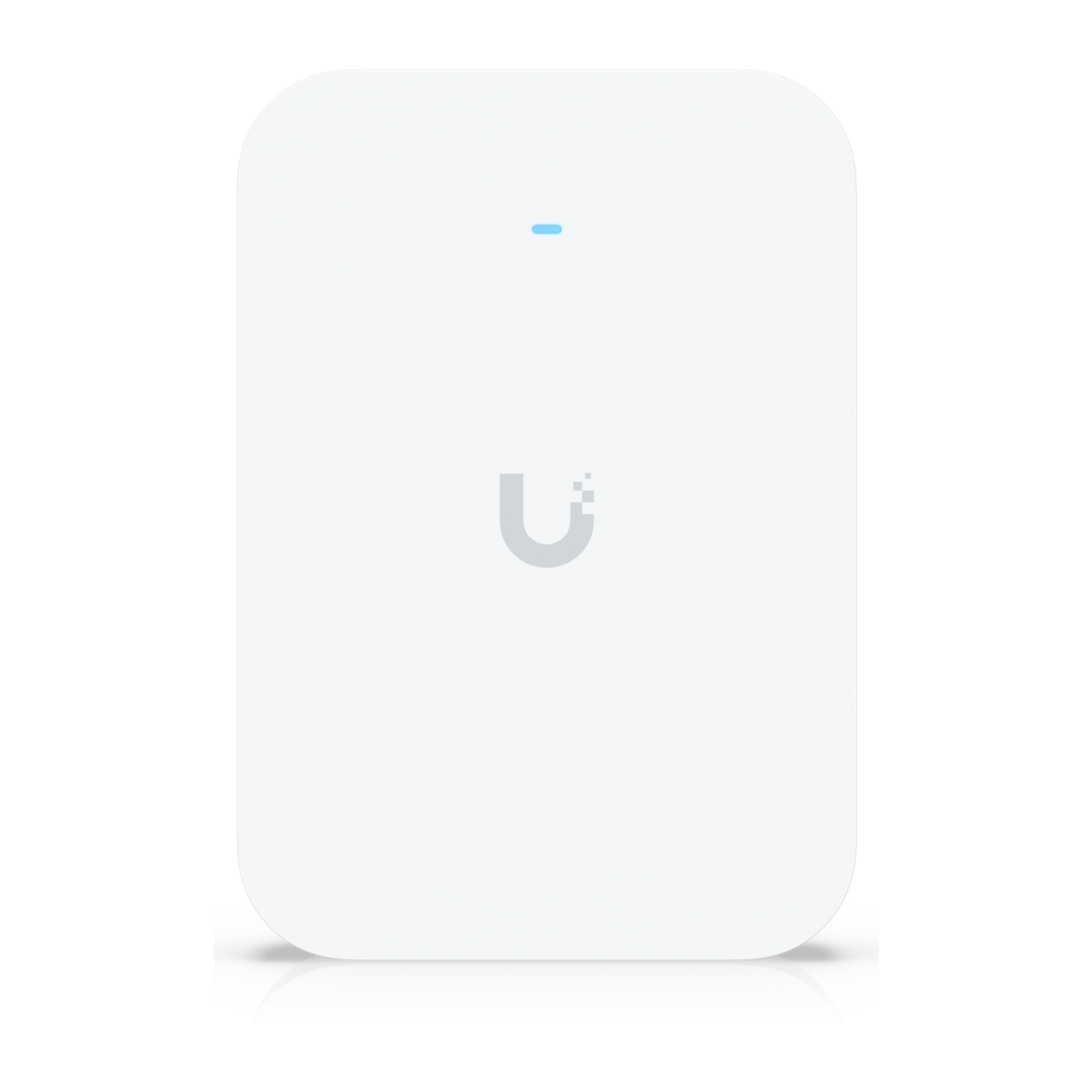
Wall-mounted tri-band UniFi Wi-Fi 7 access point (2×2 on 6, 5 and 2.4 GHz) with a 10 GbE RJ45 uplink and PoE+ power. Ubiquiti rates it for 140 m² and 300+ clients.
Wi-Fi 7 and Wi-Fi 6E add the 6 GHz band, which only newer phones and laptops can use. Some Wi-Fi 7 models, such as the UniFi U7 Lite, are dual-band and skip 6 GHz. Wi-Fi 6 remains capable for most homes.
Uplink speed
A 2.5 GbE or 10 GbE uplink only helps if the switch port matches. On a Gigabit port, the access point is capped at about 1 Gbps however fast its radios are.
Check the PoE standard each access point needs (802.3af, 802.3at PoE+ or 802.3bt PoE++) and its maximum draw. All access points on one switch must fit inside its total PoE budget, with headroom.
Manufacturer coverage areas and client counts are best-case figures for open space. Walls, floors and building materials reduce real coverage, so plan by room layout rather than total floor area.
UniFi, Omada and other access points are configured through their vendor's own controller software, so keeping access points in one ecosystem keeps management in one place.